You do very little. The app joins it up.
Attendance feeds leave, leave feeds payroll, payroll makes the payslip. Here is a whole month, start to finish, and how to get set up in a day.
Set up in a day
No IT team and no training sessions.
Sign in and add your staff
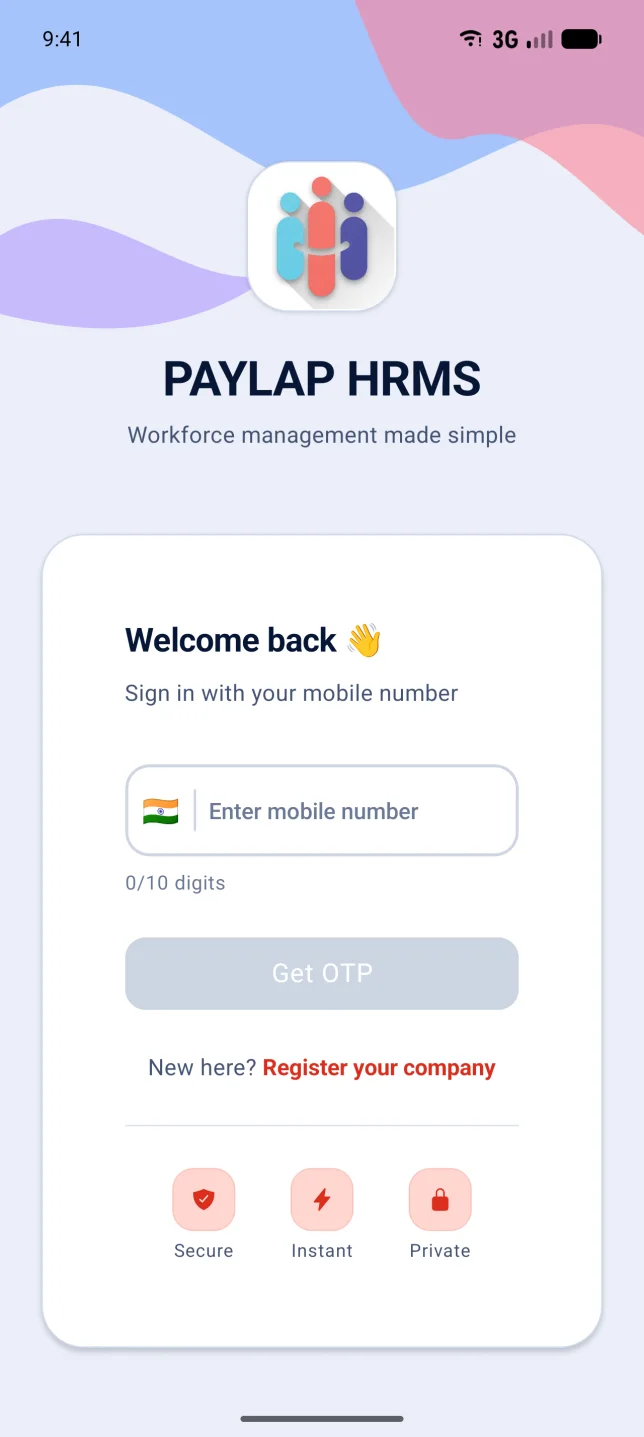
Your mobile number and a one-time code. Add staff with their salary, or import your list from Excel.
Staff clock in with their face
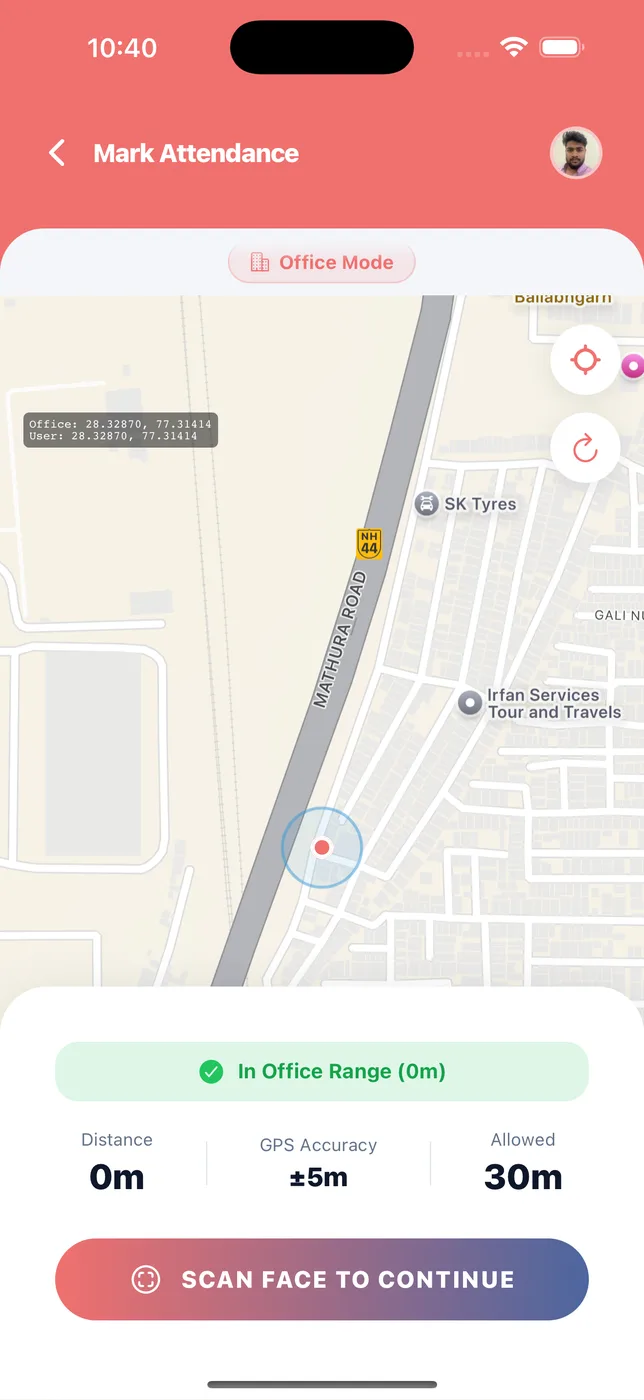
Inside the office range. You mark anyone without a phone in one tap.
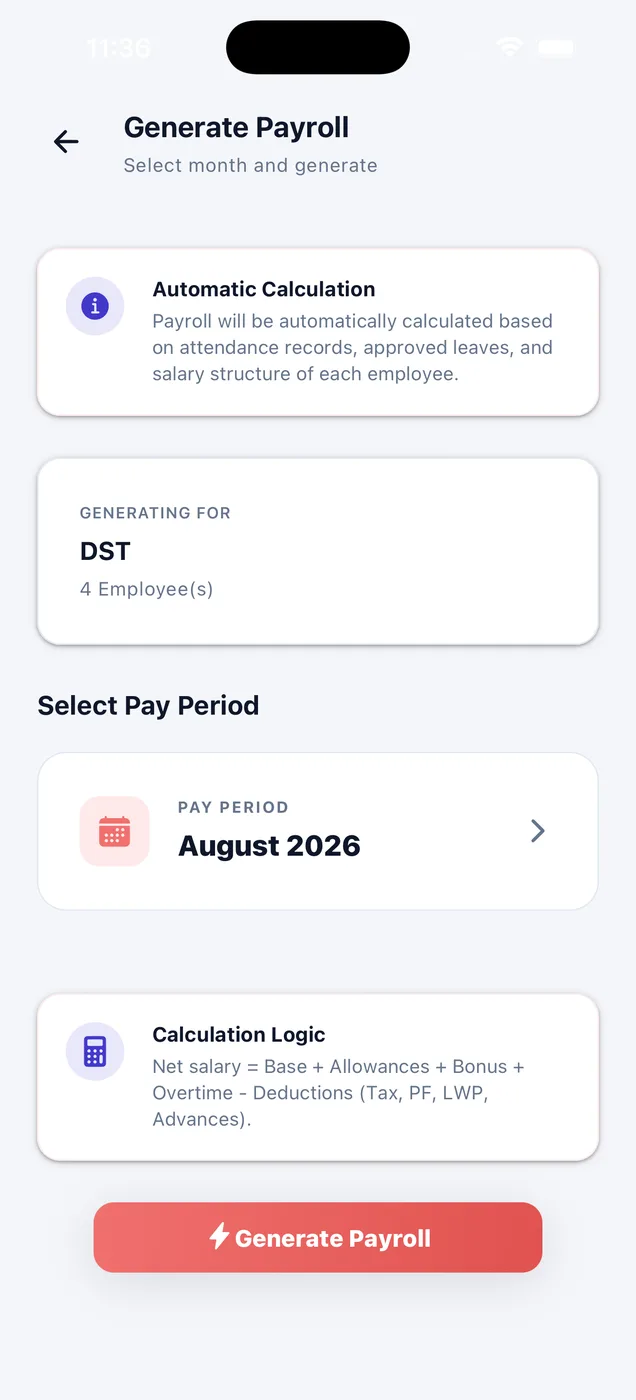
Tap Generate, then approve
Read the draft with its working, approve it, and payslips land in every employee's app.
How one month works
Eight steps. Most of them happen without you.
Staff clock in
Face check every morning and evening. Staff without phones are marked by you.
Leave is approved
You approve from your phone. Attendance updates itself.
Advances are recorded
You note what you lent. The employee confirms it.
You tap Generate
The app counts days, leave, holidays and overtime, and works out every salary.
You read the draft
Every figure is on screen, with the working written out. Fix anything before you approve.
PF and ESI come off
At the rates you set, if you have them switched on.
You approve
The figures lock. Payslips are made.
Staff get their slip
In their own app, as a PDF they can download.
Nothing is final until you say so
Draft
Still editable. Change the salary basis, add a benefit, fix a figure, or regenerate the whole month. Nothing has gone out.
Approved
The figures are locked. The payslip is made, and the employee can see it in their own app.
Paid
You have paid the money. The record is closed and matches the payslip exactly.
A real month.
One employee, August 2026. Every figure came out of the app. Nothing was typed in by hand.
| Line | Amount | Where it came from |
|---|---|---|
| Monthly salary | ₹23,000.00 | From the employee file |
| Calendar days | 31 | August 2026 |
| Per-day salary | ₹741.94 | ₹23,000 ÷ 31 |
| Working days | 26 | After weekly offs and the holiday |
| Present | 26 | Face check, every day |
| Paid days | 31.00 | Weekly offs and holidays are paid |
| Holiday bonus | ₹741.94 | Worked on a company holiday |
| Total earnings | ₹23,741.94 | |
| Total deductions | ₹0.00 | PF and ESI off for this company |
| Net salary | ₹23,741.94 | Take-home |
See it on your own data
In their own app, as a PDF they can download.
 iPhoneScan to download
 AndroidScan to download