
Get Paylap HRMS
One app for owners and staff.
Free to download on iPhone and Android. The same account works on the web. Point your phone camera at a code, or search “Paylap HRMS” in your app store.



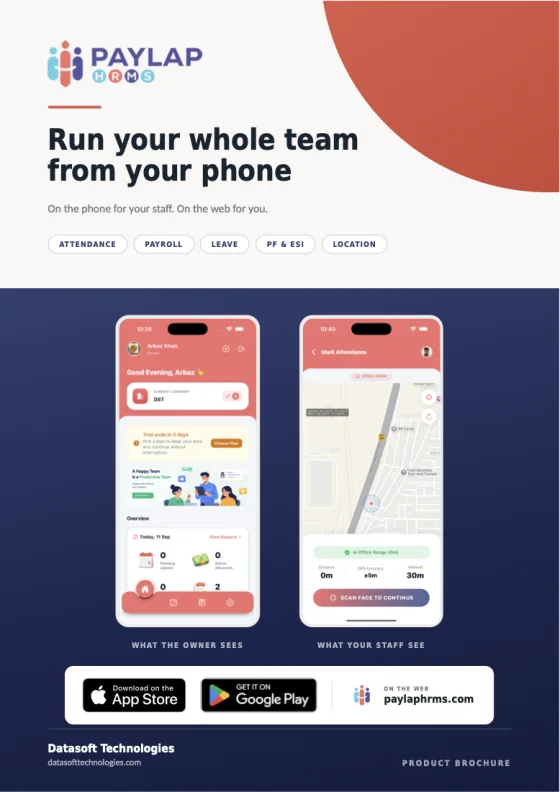
The product brochure
40 pages. Every screen, explained.
Share it with a partner, print it for your accountant, or read it before you install. Every screen of the app, what it does, and how it helps.
- For the owner. 15 screens, from home to settings.
- Payroll and payslips. How a salary is worked out, with a real month.
- For the employee. 11 screens, simple enough for anybody.
- On the web. 10 screens of the web dashboard.
- PF and ESI. The rates, the rules, and what is coming soon.
After you download
Start in three steps
1
2 minutes
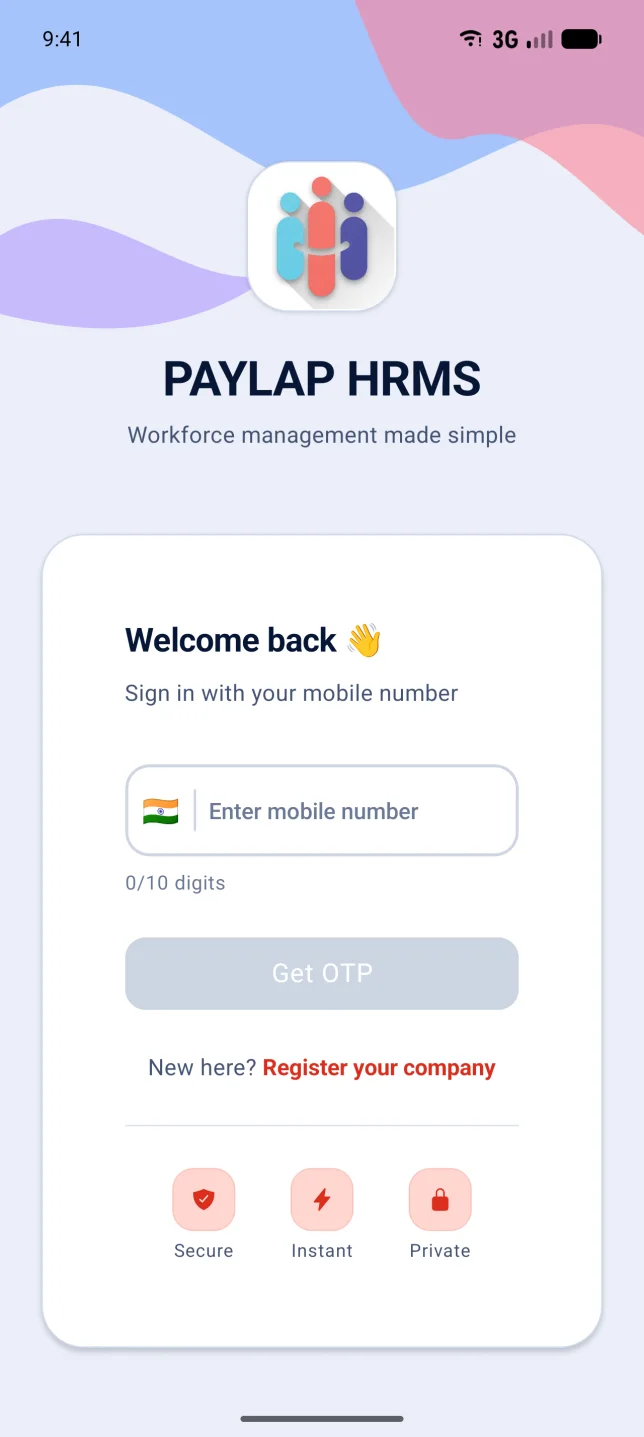
Sign in and add your staff
Your mobile number and a one-time code. Add staff with their salary, or import your list from Excel.
2
Every morning
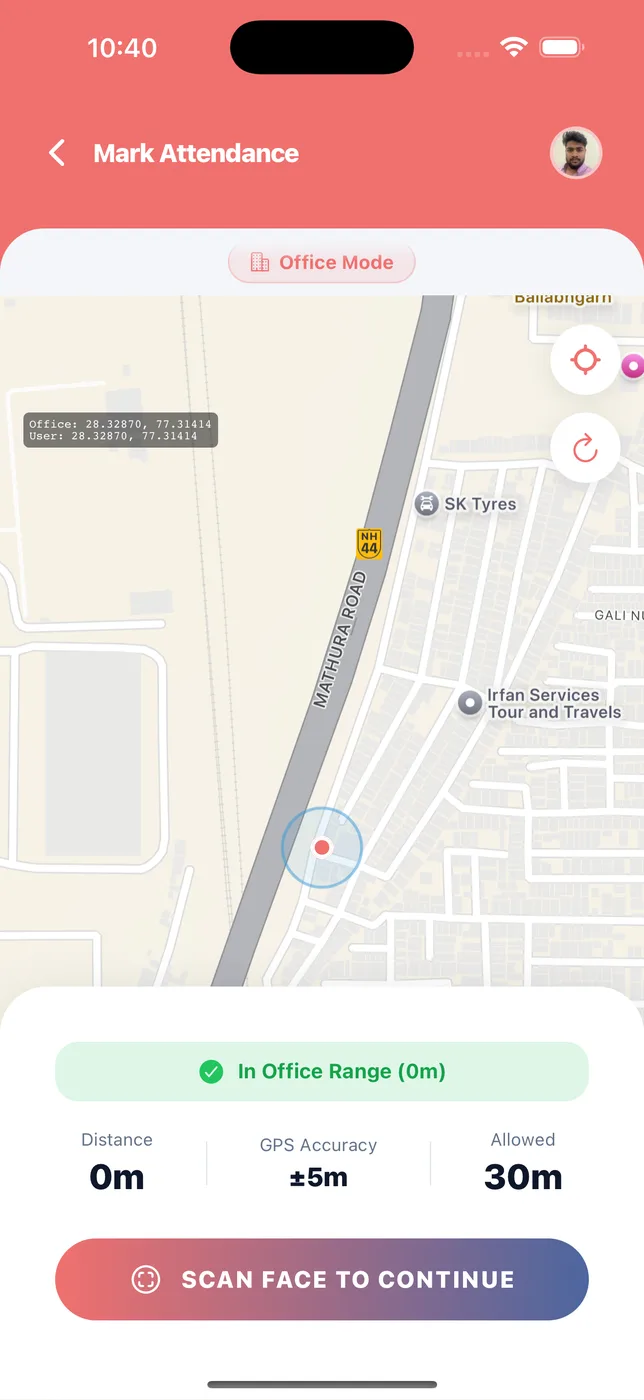
Staff clock in with their face
Inside the office range. You mark anyone without a phone in one tap.
3
Month end
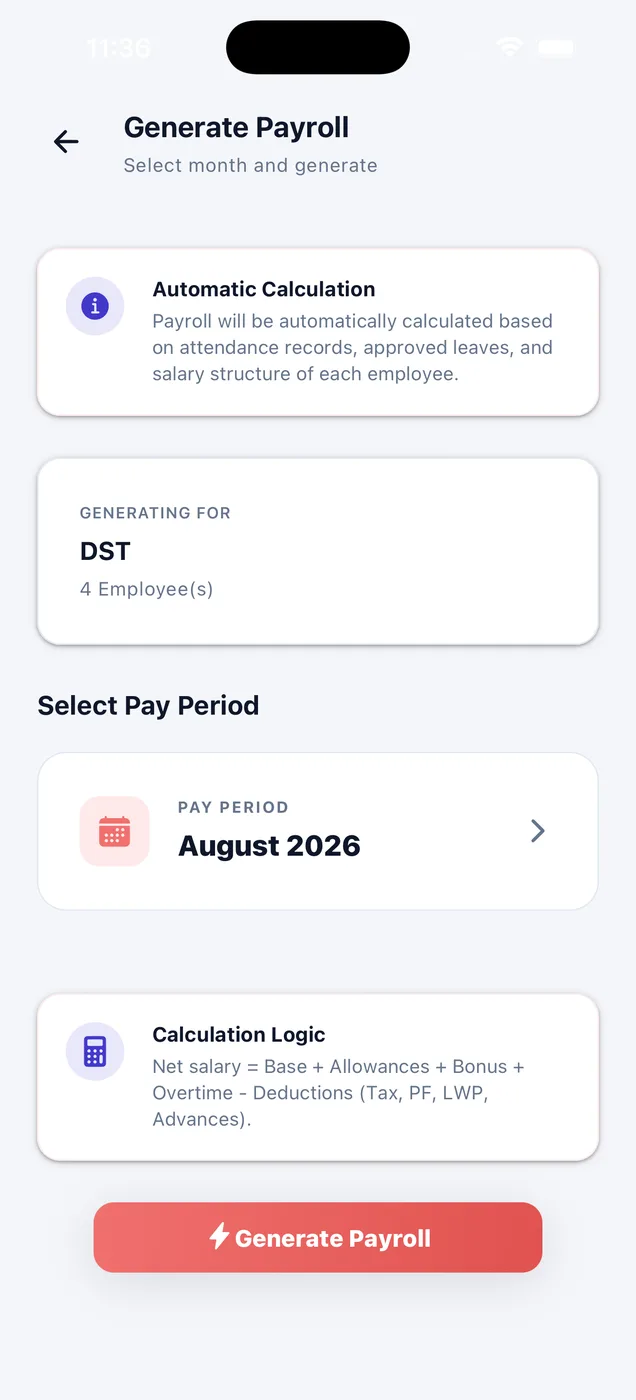
Tap Generate, then approve
Read the draft with its working, approve it, and payslips land in every employee's app.
Questions
Before you install
Is Paylap HRMS free to download?
Yes. The app is free on the App Store and Google Play. Paid plans start after the free trial; see the pricing page for current plans.
Do owners and staff use the same app?
Yes. It is one app. It shows the owner view or the staff view depending on who logs in.
Can I use Paylap on my computer?
Yes. Owners and HR can log in to the web dashboard from any modern browser with the same mobile number.
Can you help me get started?
Yes. Book a demo and we will set up a company with your staff and show you a real payslip.