For the employee

Their own work, and nothing else.

Simple enough for anybody. Your staff clock in with their face, see their own attendance, apply for leave and download their payslip, without asking anyone.
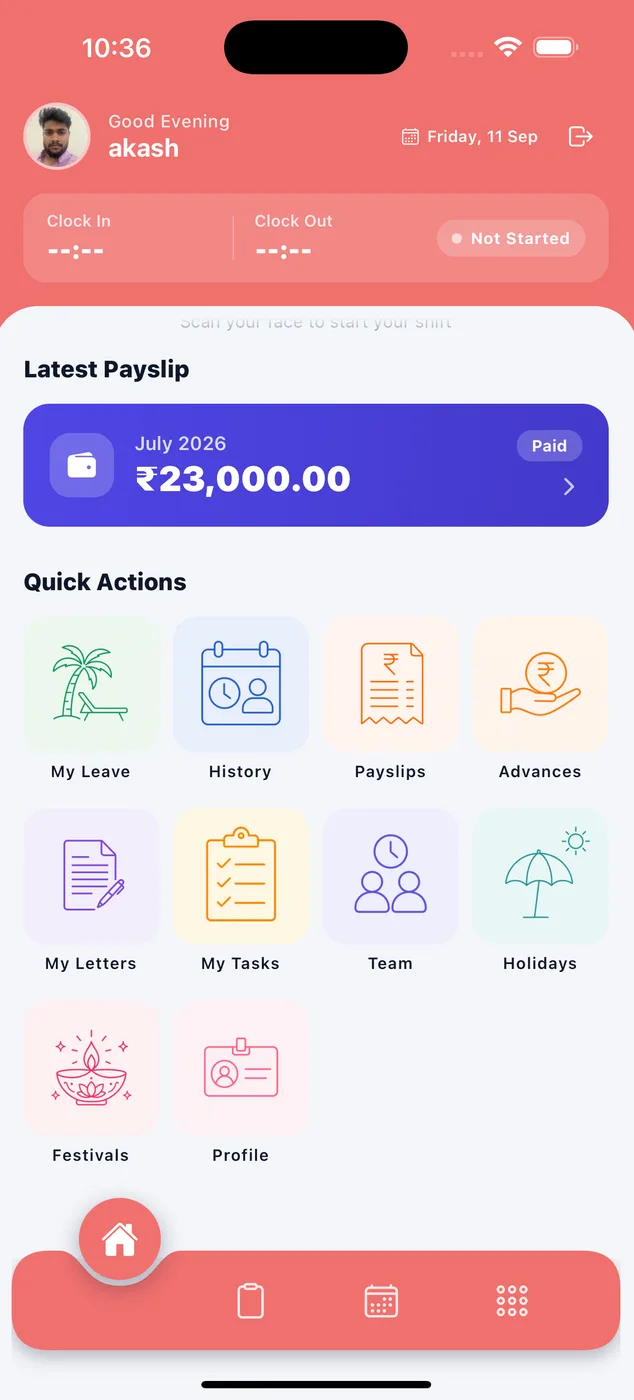
  • Clock in and out with their face
  • Check their attendance history
  • Apply for leave and see the balance
  • Download their payslip, any month
  • See what they owe on advances
Paylap HRMS employee home screen with clock-in and latest payslip
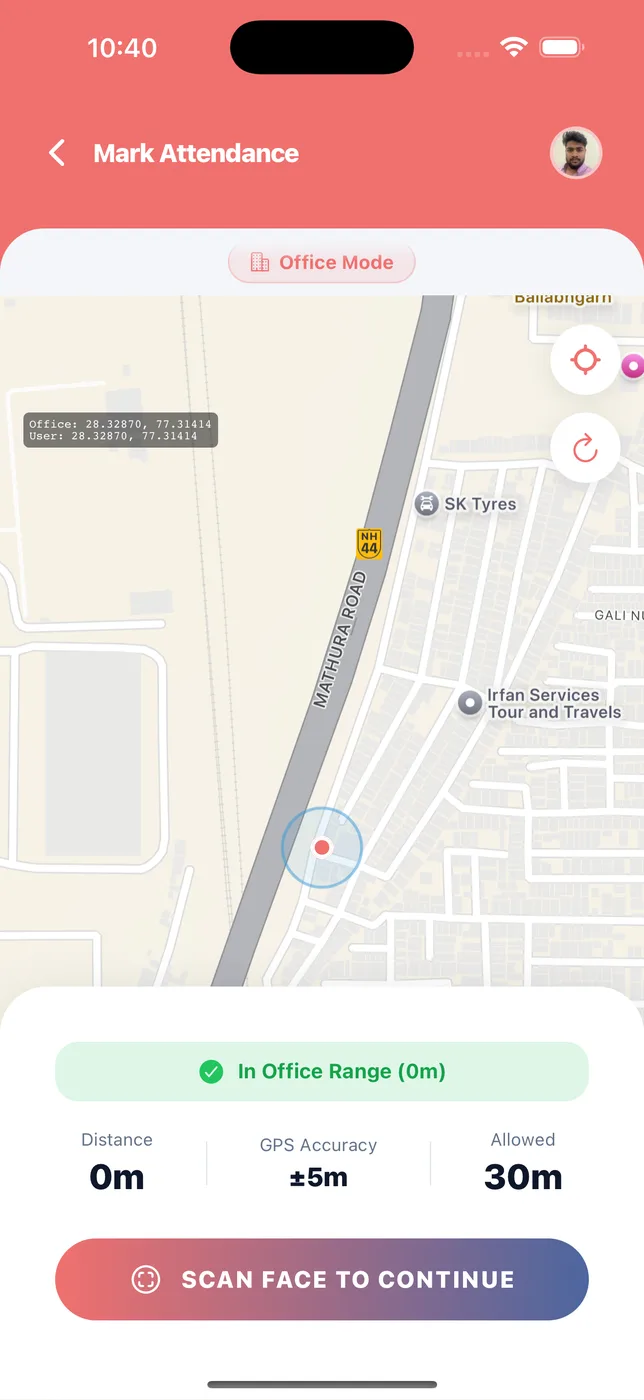
Employee marking attendance inside the office range
11 screens

What your staff see

The same app as yours, showing only their own work.
Paylap HRMS app screen: Home

Home

What
Clock in, latest payslip, and quick buttons.
You do
Start and end the day. Check the last salary.
Helps
Nothing to learn. Anyone can use it.
Paylap HRMS app screen: Mark attendance

Mark attendance

What
A map showing the office and where they are.
You do
Stand inside the office range, then scan their face.
Helps
Nobody can mark attendance for somebody else.
Paylap HRMS app screen: My work locations

My work locations

What
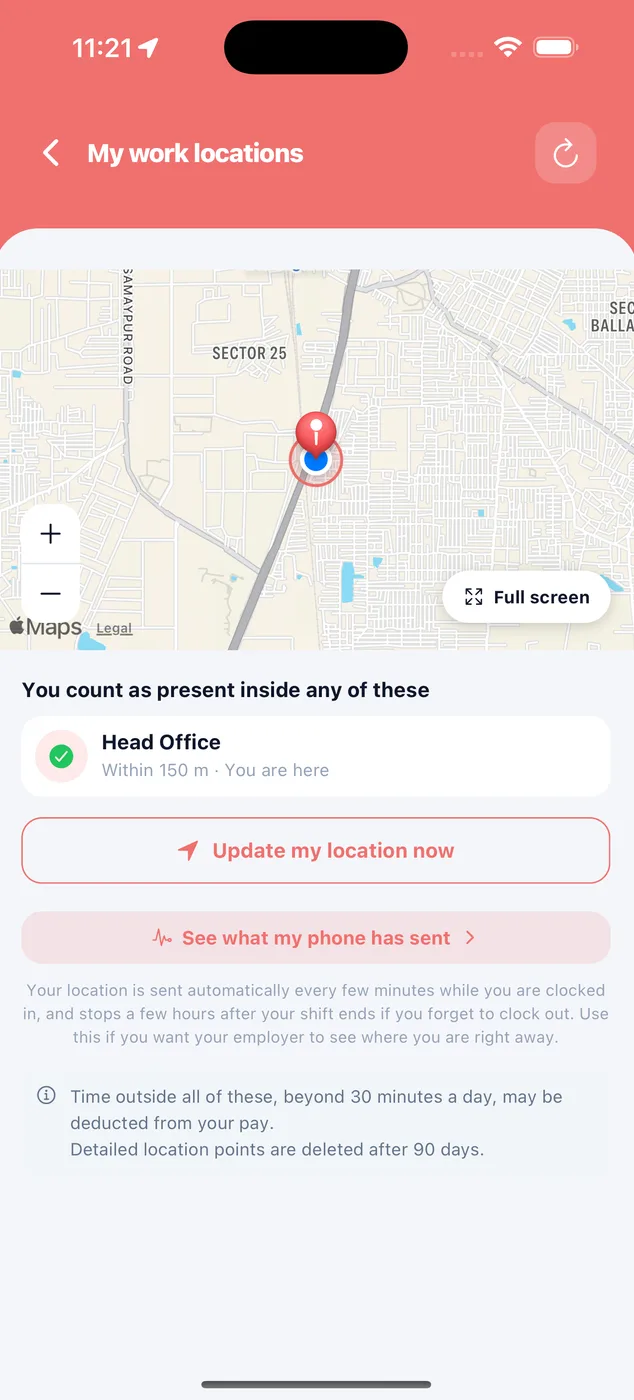
The places they count as present.
You do
See their own map and what their phone has sent.
Helps
Nothing is hidden. Readings are deleted after 90 days.
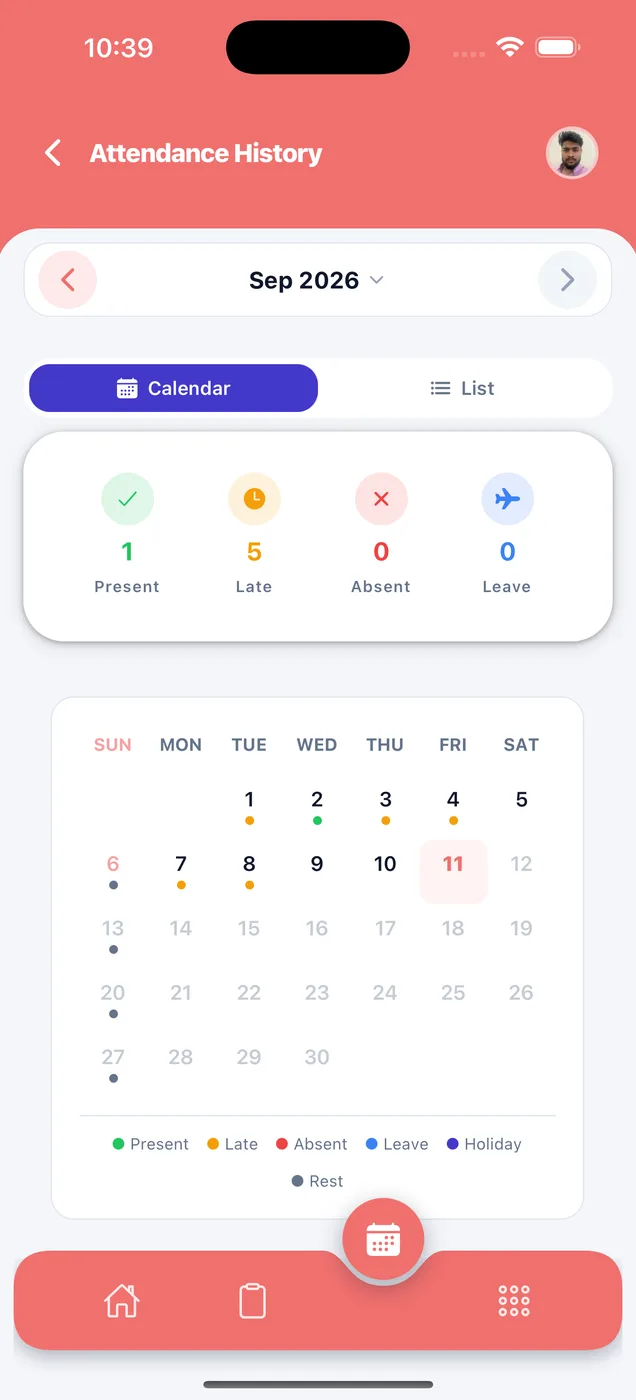
Paylap HRMS app screen: My attendance

My attendance

What
Their own record, month by month.
You do
See each day on a calendar or as a list.
Helps
If there is a mistake, they can show it.
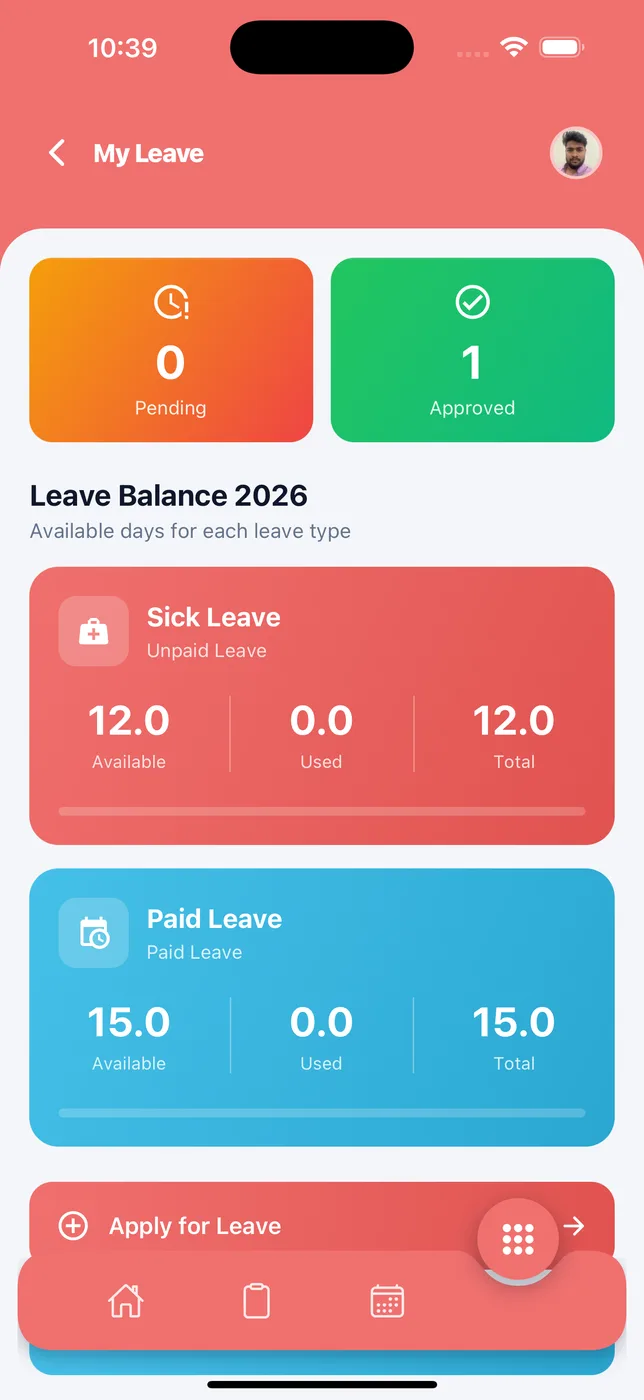
Paylap HRMS app screen: My leave

My leave

What
How many leaves are left.
You do
Apply for leave. Check if it was approved.
Helps
No forms, no chasing anyone.
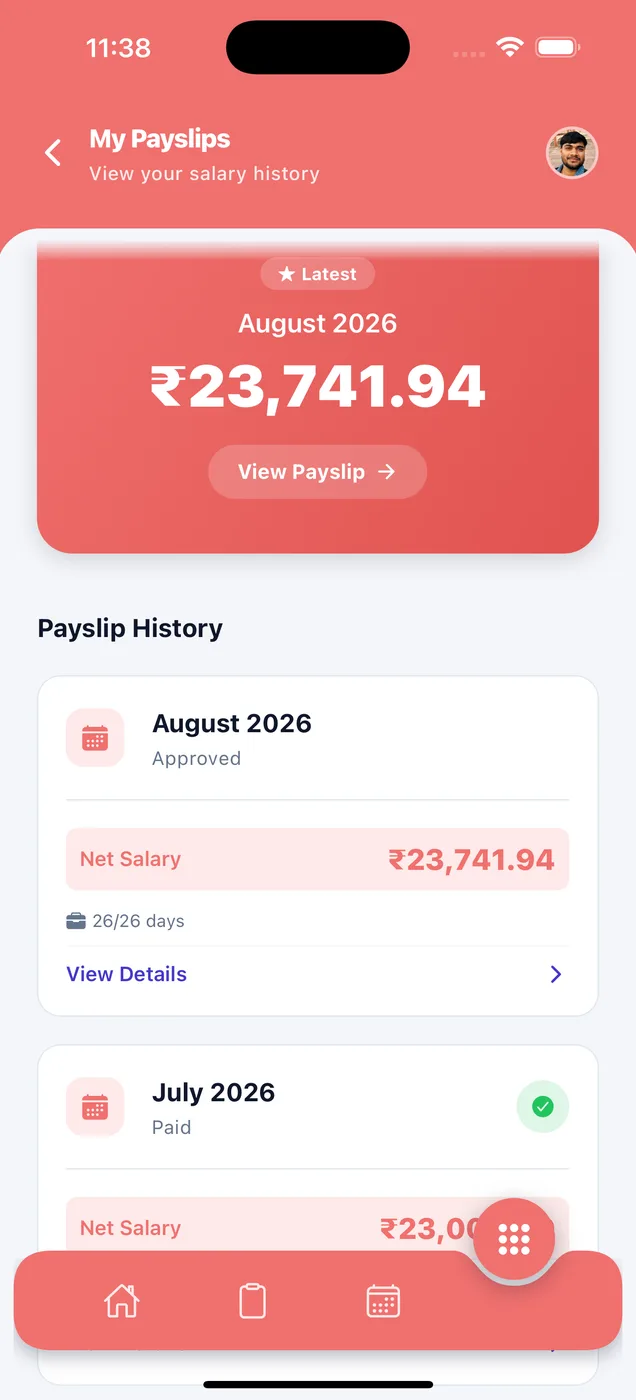
Paylap HRMS app screen: My payslips

My payslips

What
Every month of salary, in one list.
You do
Open any month and download it.
Helps
Useful for loans, visas and rent agreements.
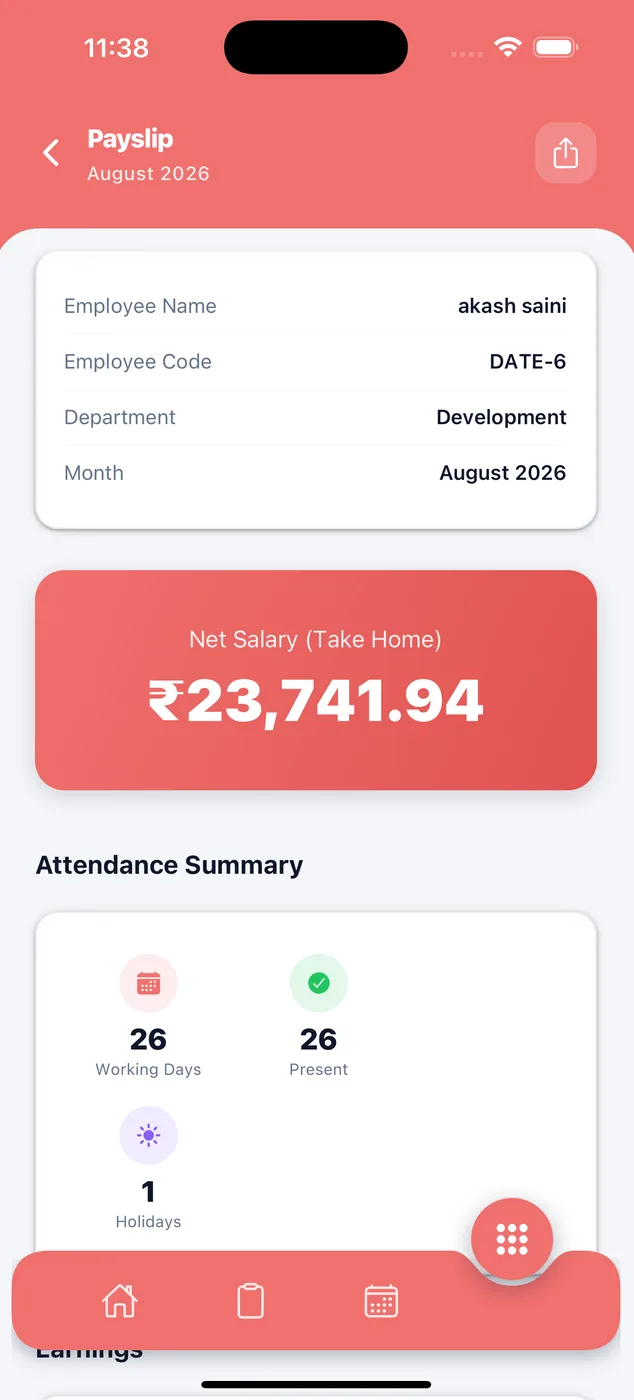
Paylap HRMS app screen: Salary details

Salary details

What
The full salary breakdown.
You do
See days worked, earnings and every deduction.
Helps
They can see exactly why the amount is what it is.
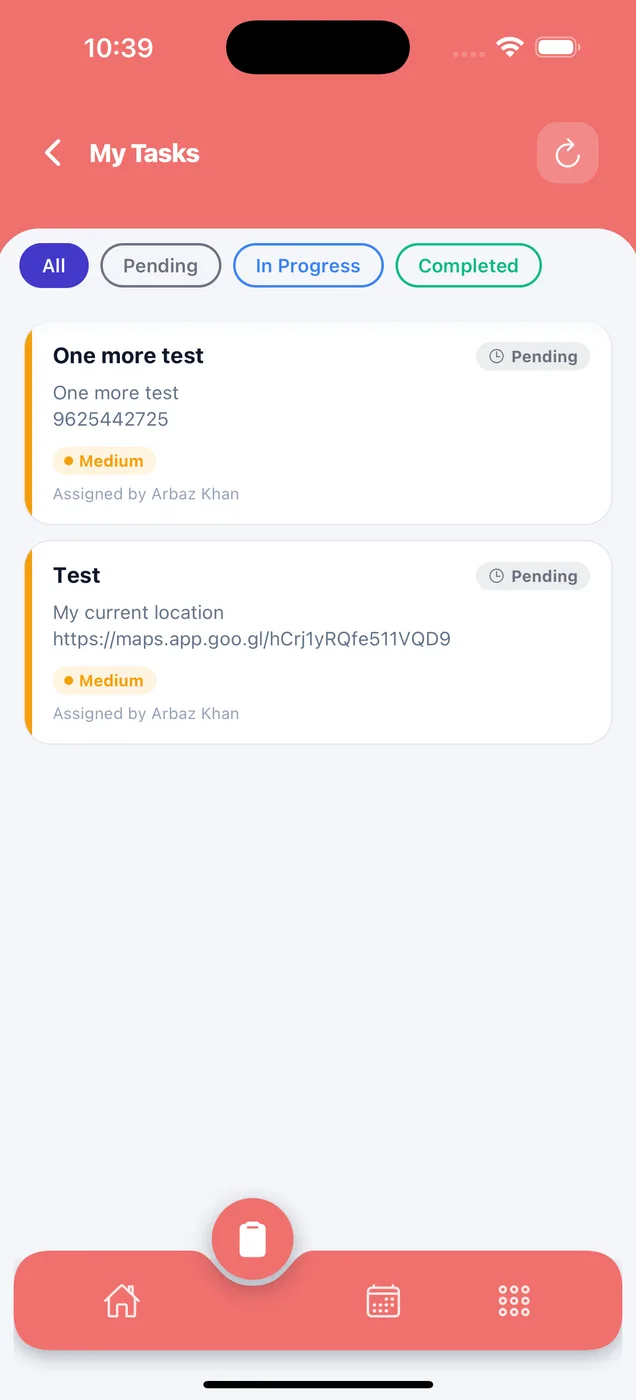
Paylap HRMS app screen: My tasks

My tasks

What
Work given to them.
You do
Move a task forward. Add a photo as proof.
Helps
Their work is visible to their employer.
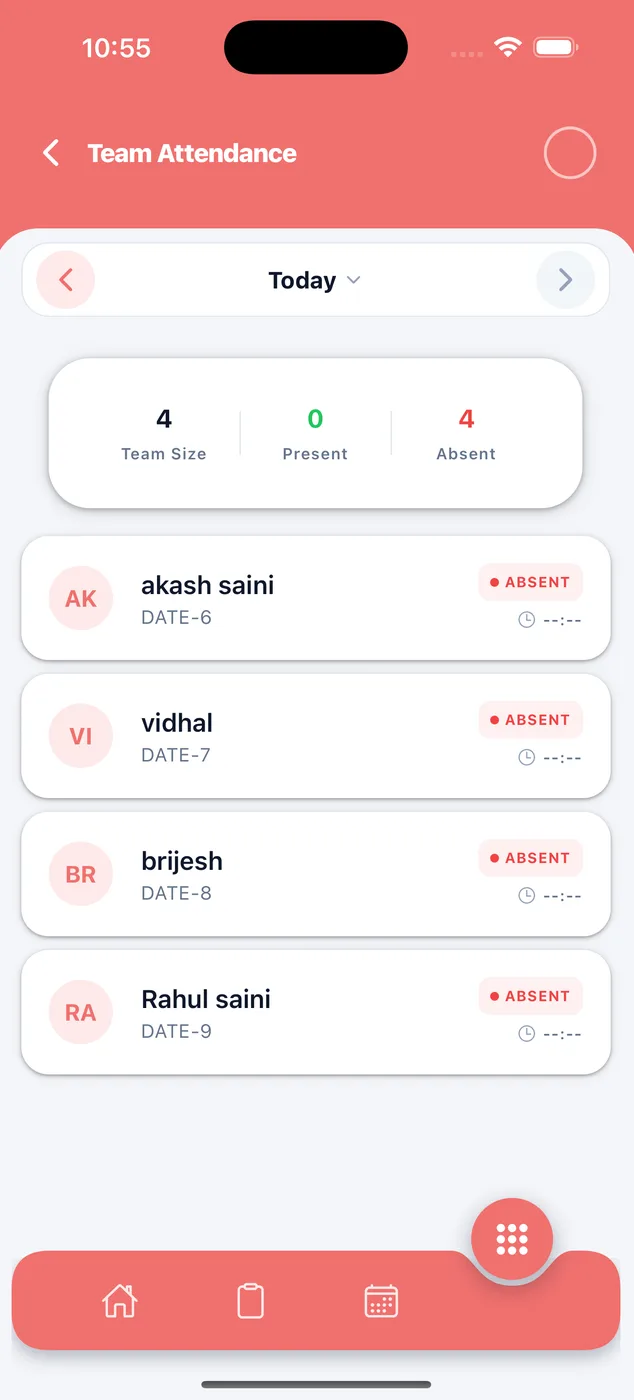
Paylap HRMS app screen: My team

My team

What
Who else is in today.
You do
Check any date.
Helps
Useful before planning their own leave.
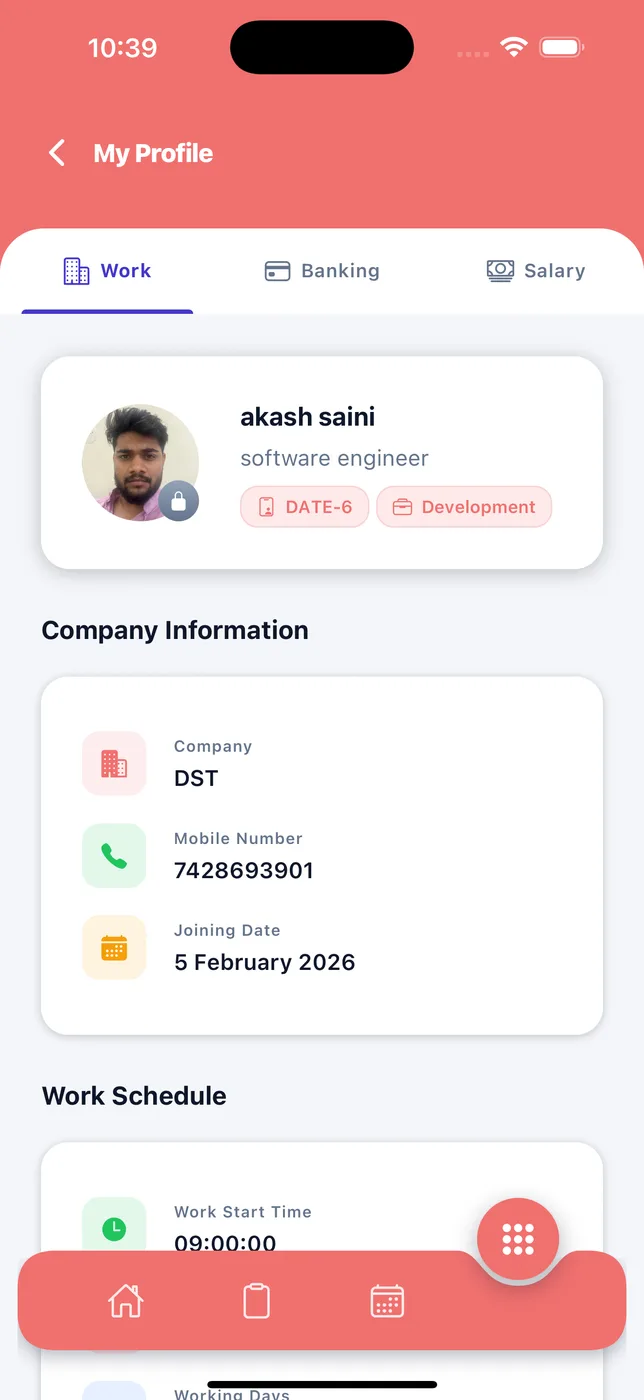
Paylap HRMS app screen: My profile

My profile

What
Their job, bank and salary details.
You do
Check they are correct. Change the photo.
Helps
Wrong bank details mean a delayed salary.
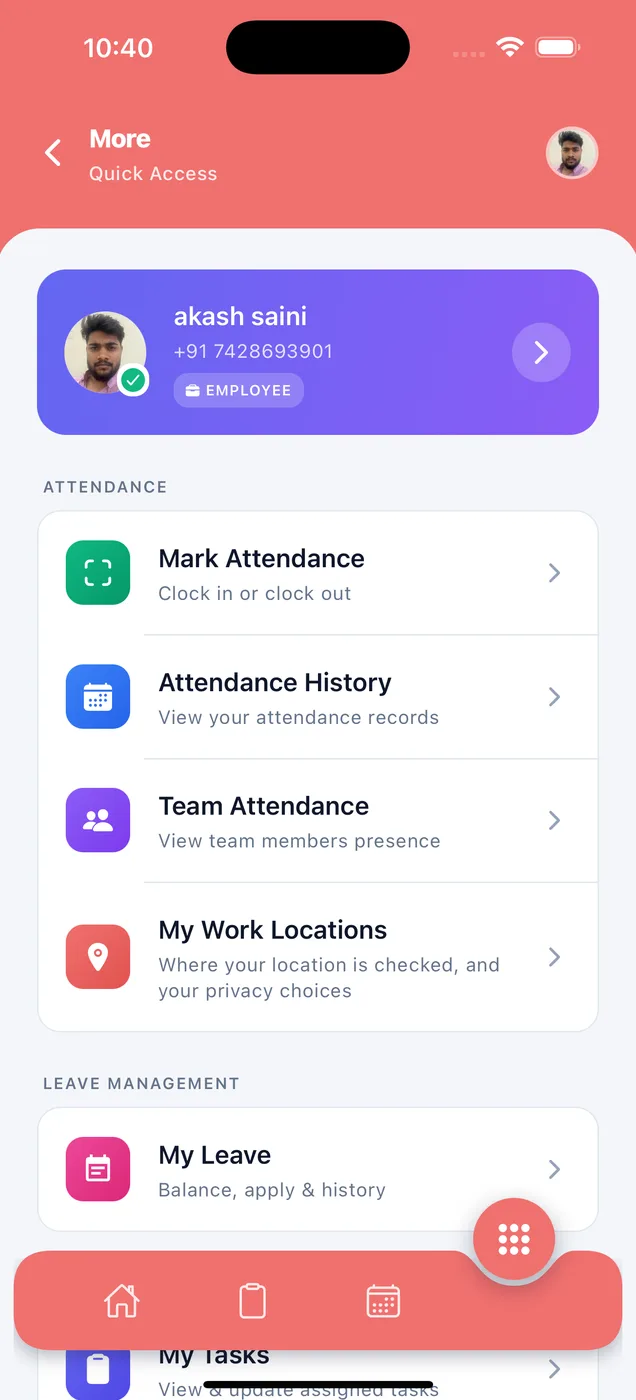
Paylap HRMS app screen: Menu

Menu

What
Everything else in one place.
You do
Reach any screen from here.
Helps
Simple list, plain names.

The slip your employee sees

A proper PDF they can send to a bank, a landlord or a visa office.

Read the payslips page
Privacy

Nothing is hidden from them

Staff see their own record, the places they count as present, and what their phone has sent. They can show you a mistake instead of arguing about it.

  • Location is sent only while they are clocked in
  • Detailed location points are deleted after 90 days
  • They never see anyone else's salary or attendance
Paylap HRMS app screen: employee work locations
Get started today

Give your team an app they will use

Download the app, add a few staff and run your first month. Or book a demo and we will set up a company with your staff and show you a real payslip.

QR code for Paylap HRMS on the App StoreiPhoneScan to download
QR code for Paylap HRMS on Google PlayAndroidScan to download
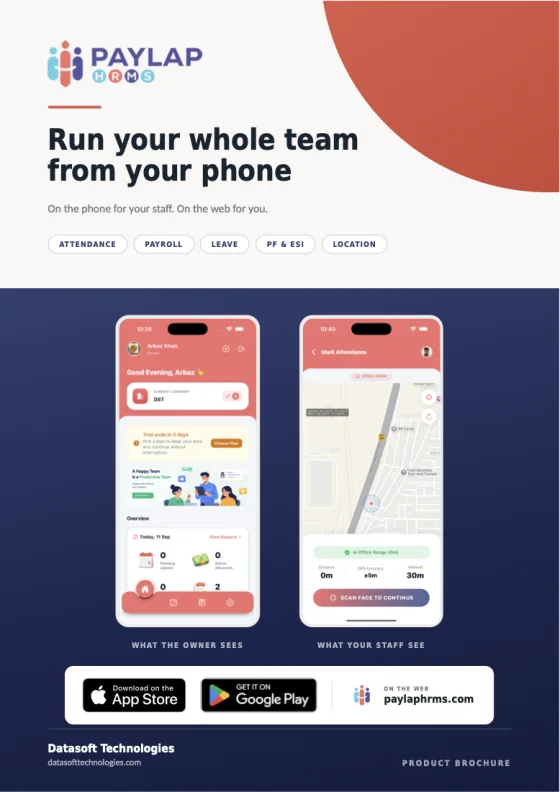
Cover of the Paylap HRMS product brochure
The product brochure 40 pages. Every screen, explained. Download PDF
Get the app Brochure