
 Advances & settlements
Advances and final dues, settled properly.
Note what you lent and the employee confirms it. Payroll recovers it as its own line on the payslip. When someone leaves, the final settlement adds up everything they are owed.
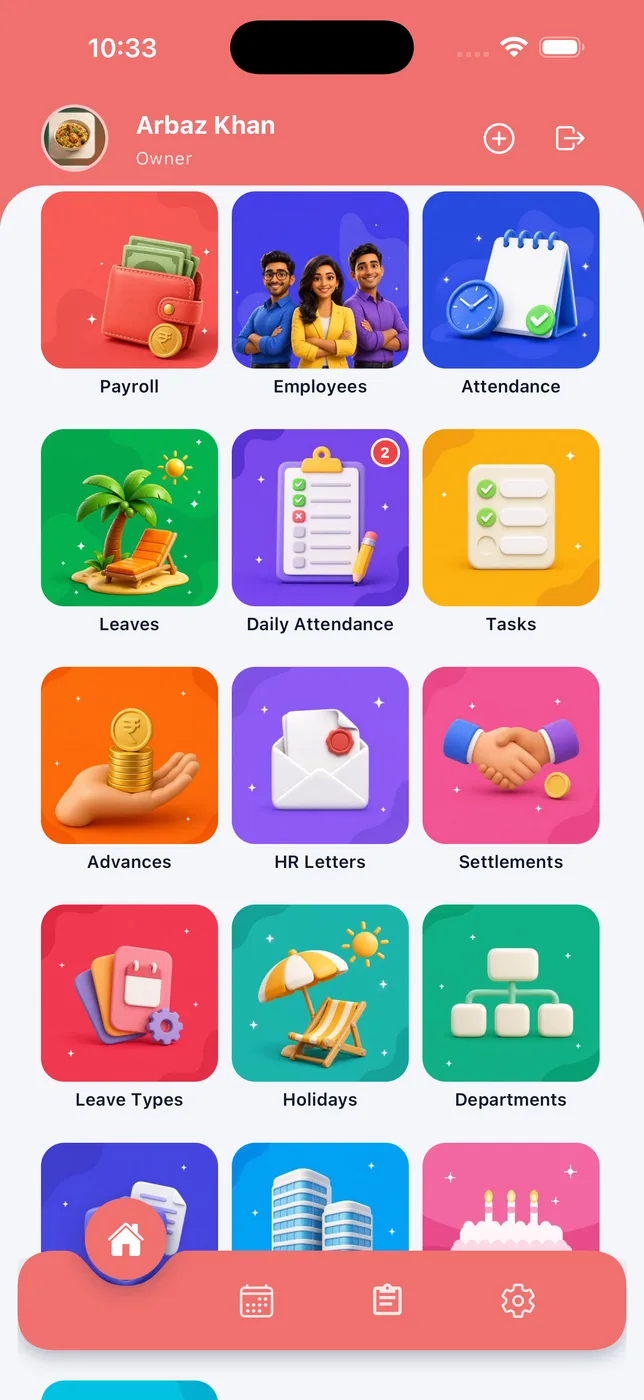
Record an advance
Amount, date, payment mode and reason, in a few taps.
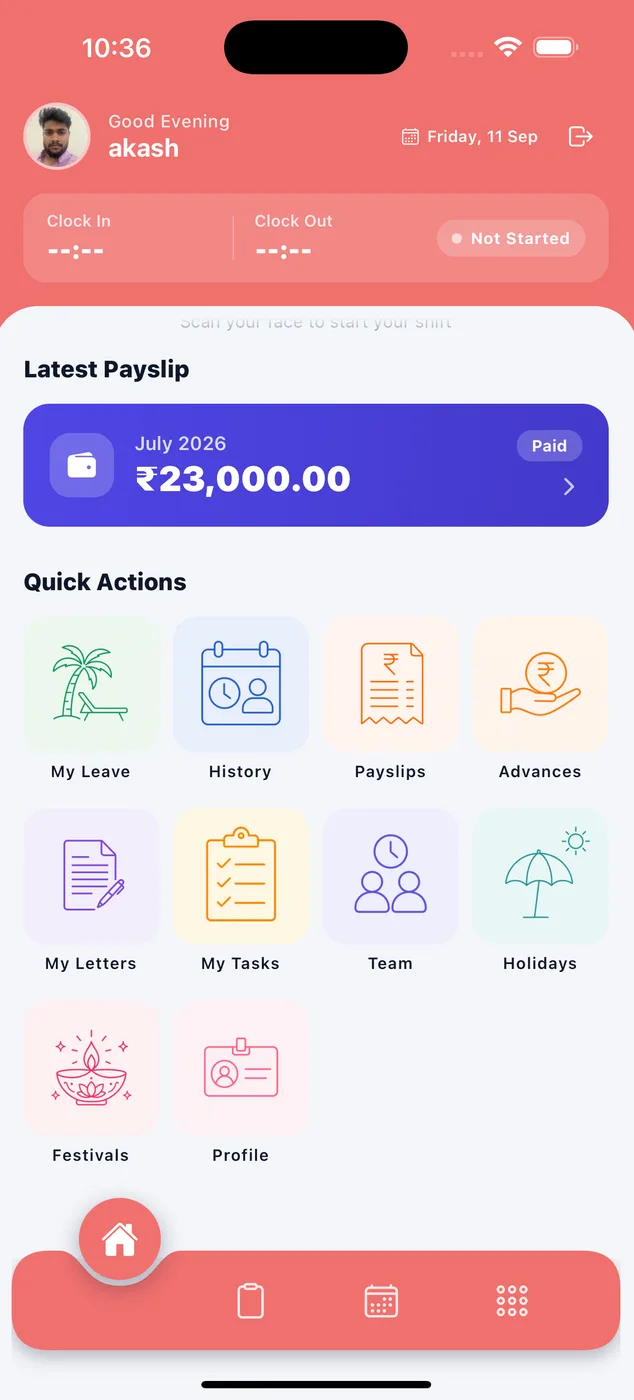
Employee confirms
Staff see what they owe on advances in their own app.
Recovered in payroll
Advance recovery appears as its own deduction on the payslip, until it is cleared.
When someone leaves, nothing is missed
The final settlement puts every addition and every recovery in one place, with the exit date and reason, and gives you the net payable.
- Pending salary, leave encashment, gratuity and bonus
- Advance recovery and notice recovery
- Marked paid with the date, so the record is closed
How it looks in the app
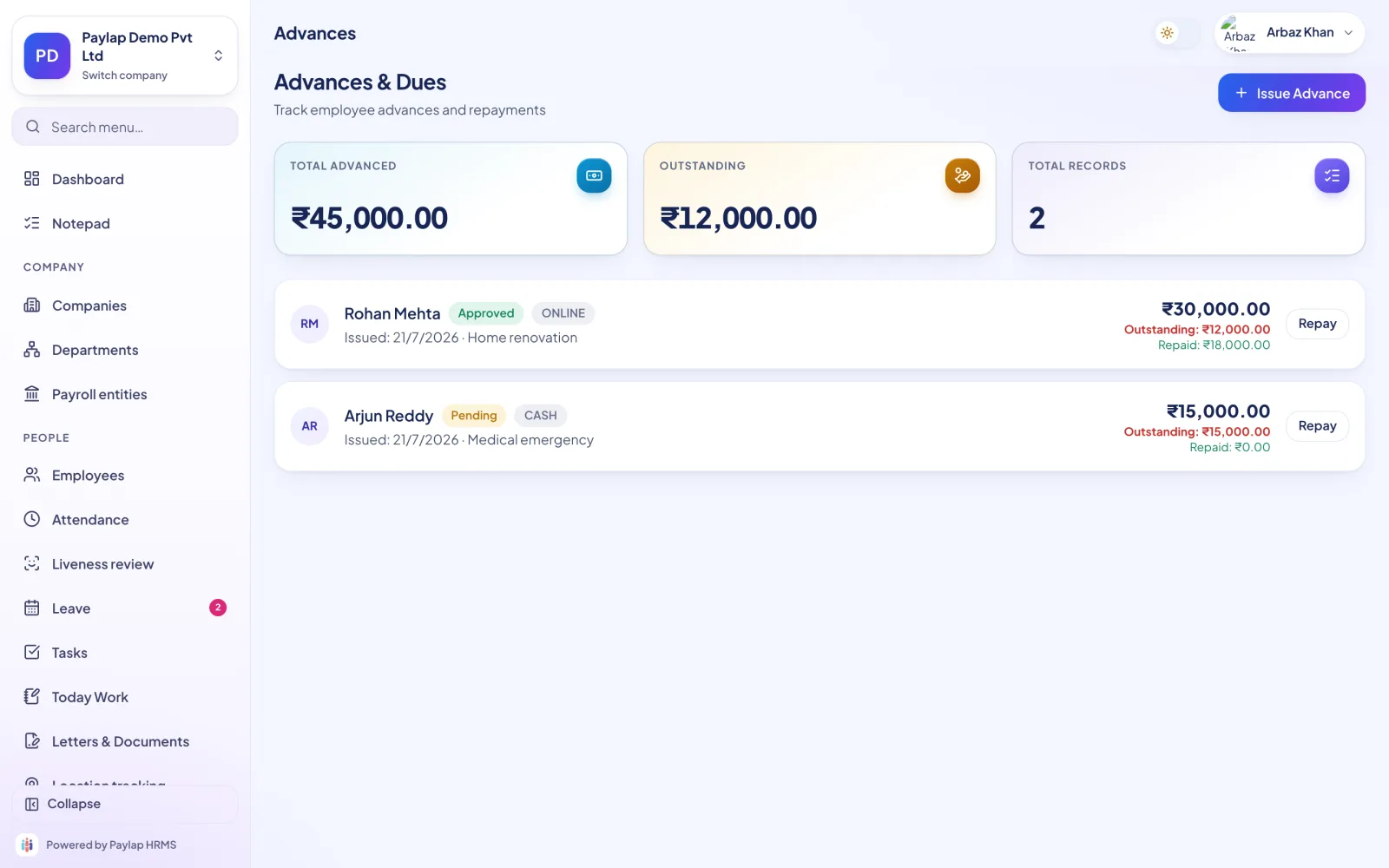
What is out, and what has come back.
Total advanced, outstanding and the number of records at the top, then every advance with its status, payment mode and how much has been repaid.
- Pending, approved and recovered
- Cash or online, with the reason
- Issue an advance in one step
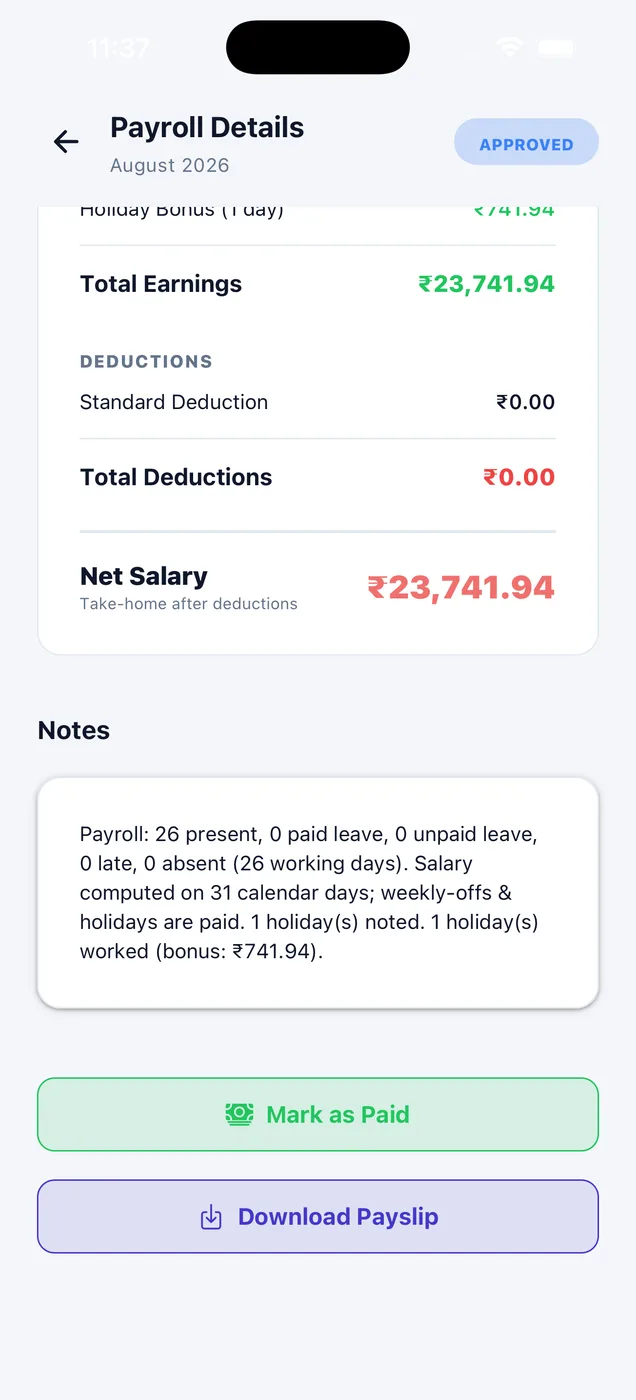
Every deduction, in plain sight.
Advance recovery sits alongside PF, ESI, unpaid leave and penalties in the deductions block, so the employee can see exactly what was taken and why.
- Recovery shown as its own line
- Total deductions and net salary
- Notes explain the working
About advances & settlements
Anything else? WhatsApp us on +91 82288 22825.
Can the employee see the advance?
How is an advance recovered?
What goes into a final settlement?



Advances and final dues, settled properly.
Advance recovery appears as its own deduction on the payslip, until it is cleared.
 iPhoneScan to download
 AndroidScan to download